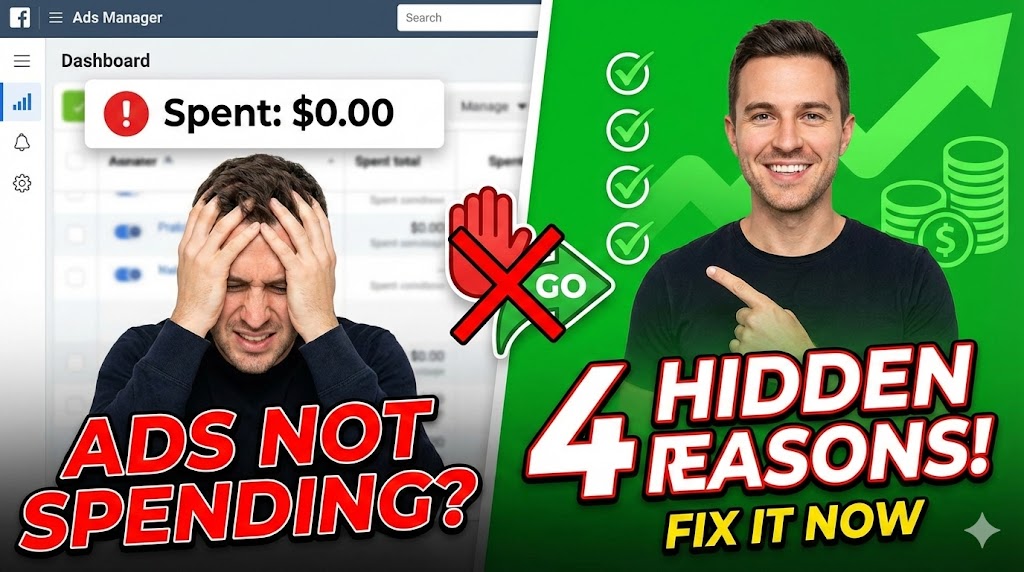
t’s one of the most frustrating feelings in digital marketing: You are ready to scale, you have the budget, but Meta refuses to spend your money.
Why is your budget stuck? Listen, this might sting a little, but the truth usually does. It’s likely not a glitch: It’s a setup error.
Here are the four core reasons your ads are stuck and exactly how to fix them so you can get the budget flowing again.
1. Your Audience Size is Too Small
Are you trying to play it safe? Trying to laser-target a tiny group of people? That is not how you win in the current landscape.
If your audience is too narrow, the algorithm runs out of people to show your ads to, and spending stops.
- The Fix: Expand that audience. Use Meta’s Audience Expansion tools.
- Pro Tip: Don’t be afraid of Broad Targeting. When done right, letting the algorithm find your people works better than you guessing who they are.
2. You’re Choking Your CBO
Are you using Campaign Budget Optimization (CBO)? Great. But are you also slapping spending limits on your individual Ad Sets? Stop that.
CBO is designed to distribute money to the best performers automatically. If you set rigid limits on the Ad Sets, you are conflicting with the algorithm’s job.
- The Fix: Drop the chains. Remove the Ad Set spend limits and let the CBO algorithm do what it was built to do.
3. Your Bid Strategy Screams “Desperation”
Everyone wants a $1 lead. But if you are setting unrealistic Cost Caps or Bid Controls, Meta isn’t even going to bother entering your ad into the auction.
If your bid is too low, you lose every auction, and your budget never spends. You are effectively strangling your campaign with impossible goals.
- The Fix: Loosen up the controls. If you aren’t an expert at manual bidding, stick to the default settings (Highest Volume/Lowest Cost).
4. You Are Optimizing for the Wrong Action
If your ads are stuck in “Learning Limited,” it’s because the system knows your current optimization goal isn’t achievable with your current budget or setup.
Essentially, the algorithm is holding back your spend to protect you from your own mistakes.
- The Fix: Check your Ads Manager Delivery Column. It is probably screaming at you with errors. You may need to change your optimization event (e.g., from “Purchase” to “Add to Cart” if you lack data) or fix your creative.
The Bottom Line
I know you might not like hearing this, but these are self-inflicted wounds. The good news? You can fix them. Adjust these four settings, and you will finally see your budget flow.
The Magic Spell 🪄 I am casting a spell on you right now: Those who do not subscribe to this channel will never reach a Return on Ad Spend (ROAS) over 2.0.
You have no option, my friend. Subscribe and let’s get those ads moving!
CLICK BELOW TO SEE SOME AD ACCOUNTS I MANAGED
Showcasing Results: How My Managed Ad Accounts Exceed Expectations